



Open a ride-hailing app at a state line and watch what happens. The surge pricing shifts. The fare table changes. Sometimes a feature simply vanishes. Your phone didn’t move far, but the rules around it did, and the app noticed within seconds.
That quiet trick is geolocation, and it’s less magical than it looks. It’s a stack of imperfect signals, each with its own blind spots, blended together until the app is confident enough to act. Here’s how the stack works, where it breaks, and why some industries obsess over it more than others.
GPS is the headline act, not the whole show
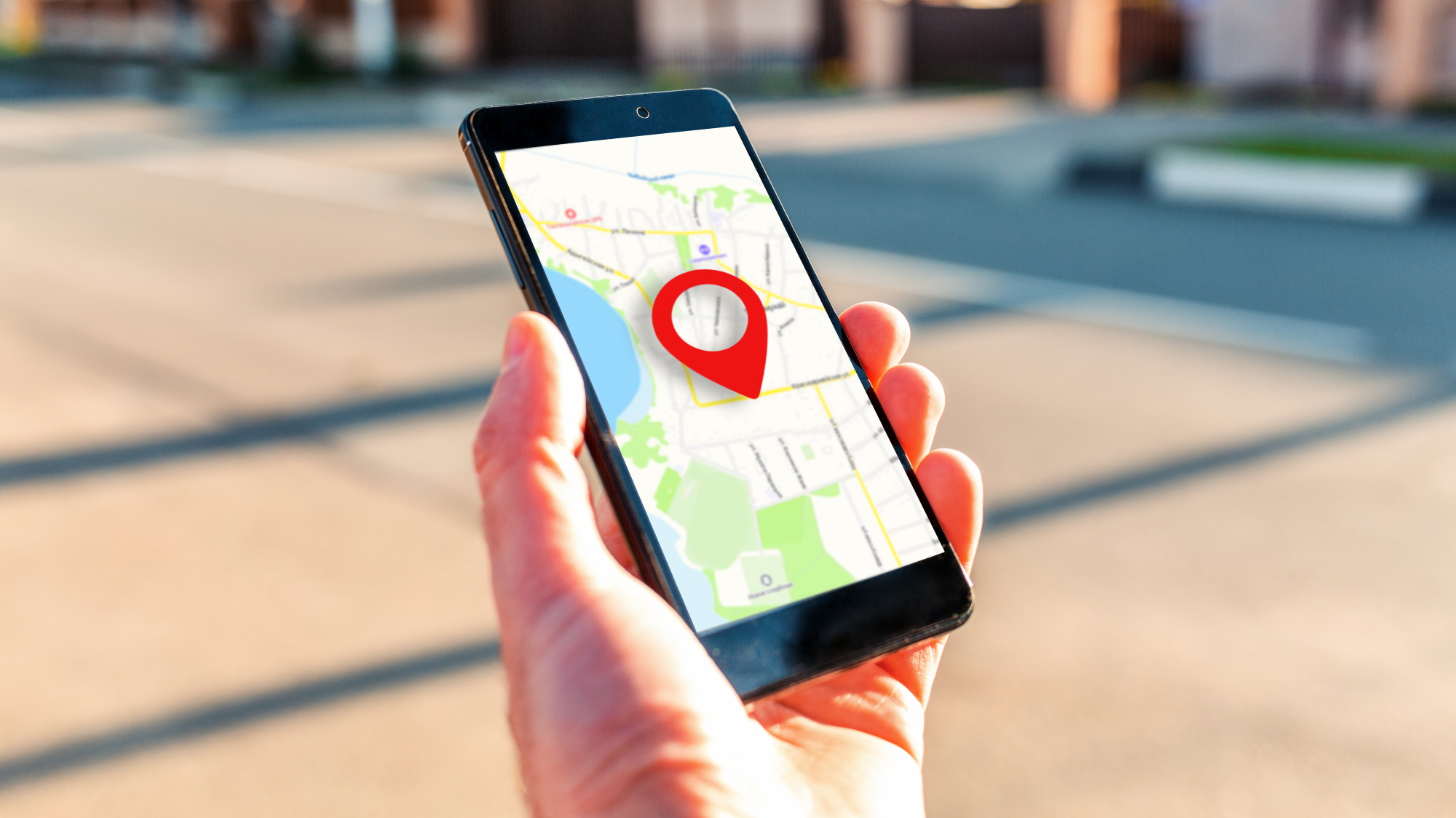
Everyone assumes GPS does the heavy lifting. It does the prettiest work. Under open sky, a modern smartphone lands within about 4.9 metres of your true position, according to the figures the U.S. Government publishes. That’s plenty to tell Kansas City, Missouri from Kansas City, Kansas.
But open sky is the exception. Put the phone in a glass office tower, a parking garage or a subway platform and the satellite signal degrades fast.
Buildings bounce it. Trees soak it up. The reading drifts by tens of metres, and a tens-of-metres error is exactly the size of a state border in a dense metro area.
So apps never trust GPS alone. They treat it as one vote.
Wi-Fi and cell towers fill the gaps
Here’s the part most people miss. Your phone is constantly overhearing nearby Wi-Fi networks and cell towers, even ones it never joins.
Each access point has a known fixed location in a giant database, and the device can estimate where it is by comparing signal strengths, the kind of data-driven personalized experiences that modern platforms depend on.
Google’s own geolocation documentation describes how cell tower and Wi-Fi access point data get converted into latitude and longitude, along with an accuracy radius the app can check.
Indoors, this often beats GPS. A dense city block might expose thirty or forty networks to a single phone. Triangulate those and you can place someone in a specific building.
That accuracy radius matters more than the coordinates themselves. A sloppy fix with a 2 km radius is worth far less than a tight one, and a careful app will refuse to act on it. Rejected readings are the reason you sometimes get asked to “move closer to a window.”
IP addresses: the cheap, noisy check
IP geolocation is the oldest trick in the book. Your address maps to an internet provider, and the provider maps to a rough region. It’s fast and needs no permissions.
It’s also unreliable at the edges. Mobile carriers route traffic through central gateways that can sit hundreds of miles from the user. A phone in one state can show up as a neighbouring one. Corporate networks and satellite internet make it worse.
So IP data works as a sanity check, not a verdict. If GPS says Ohio and the IP says Ohio, fine. If GPS says Ohio and the IP says Singapore, something is off, and the app starts asking harder questions.
Device signals catch the cheats
The interesting engineering is in detecting lies. Apps layer on checks like these:
- Mock-location flags: Android can reveal when a developer setting is feeding fake coordinates to apps.
- Sensor consistency: a phone claiming to be in a moving car should show matching accelerometer data.
- Impossible travel: jumping 800 miles in four minutes means somebody is spoofing.
- VPN and proxy detection: known exit-node ranges get flagged on sight.
Spoofing tools exist, and BleepingComputer’s rundown of VPNs and GPS fakers makes clear that an IP change alone rarely fools a serious app. The cat-and-mouse game never ends. Spoofers improve, detectors add another signal, and the cycle repeats.
The security researchers I talk to put it bluntly: you can fake one signal, but faking five that all agree is a full-time job.
Where geofencing gets high-stakes?
For a weather app, a wrong location costs you a bad forecast. For a handful of regulated industries, a wrong location can cost a licence.
Think of telehealth platforms that can only treat patients in states where the doctor is registered, or pharmacy apps bound by state rules.
Online gaming is the sharpest example. In Florida, state rules limit which platforms residents can legally use, which means a provider has to prove where each player physically sits before any session starts. Location isn’t a nice-to-have feature there. It’s the legal foundation.
That’s why anyone reading up on what Florida players should know before choosing a casino ends up spending as much time on licensing and location rules as on the games themselves, because those rules decide which platforms are available at all.
The tech lesson holds beyond that one case. When a mistake carries a regulatory price tag, companies stop treating geolocation as a convenience and start treating it as infrastructure.
They buy specialist verification services, re-check locations mid-session rather than just at login, and log everything for auditors.
The privacy trade-off nobody advertises
All of this runs on location data, and location data is sensitive. A single week of coordinates reveals where you sleep, work and worship. TIME has covered how much apps quietly gather, and the picture isn’t comfortable.
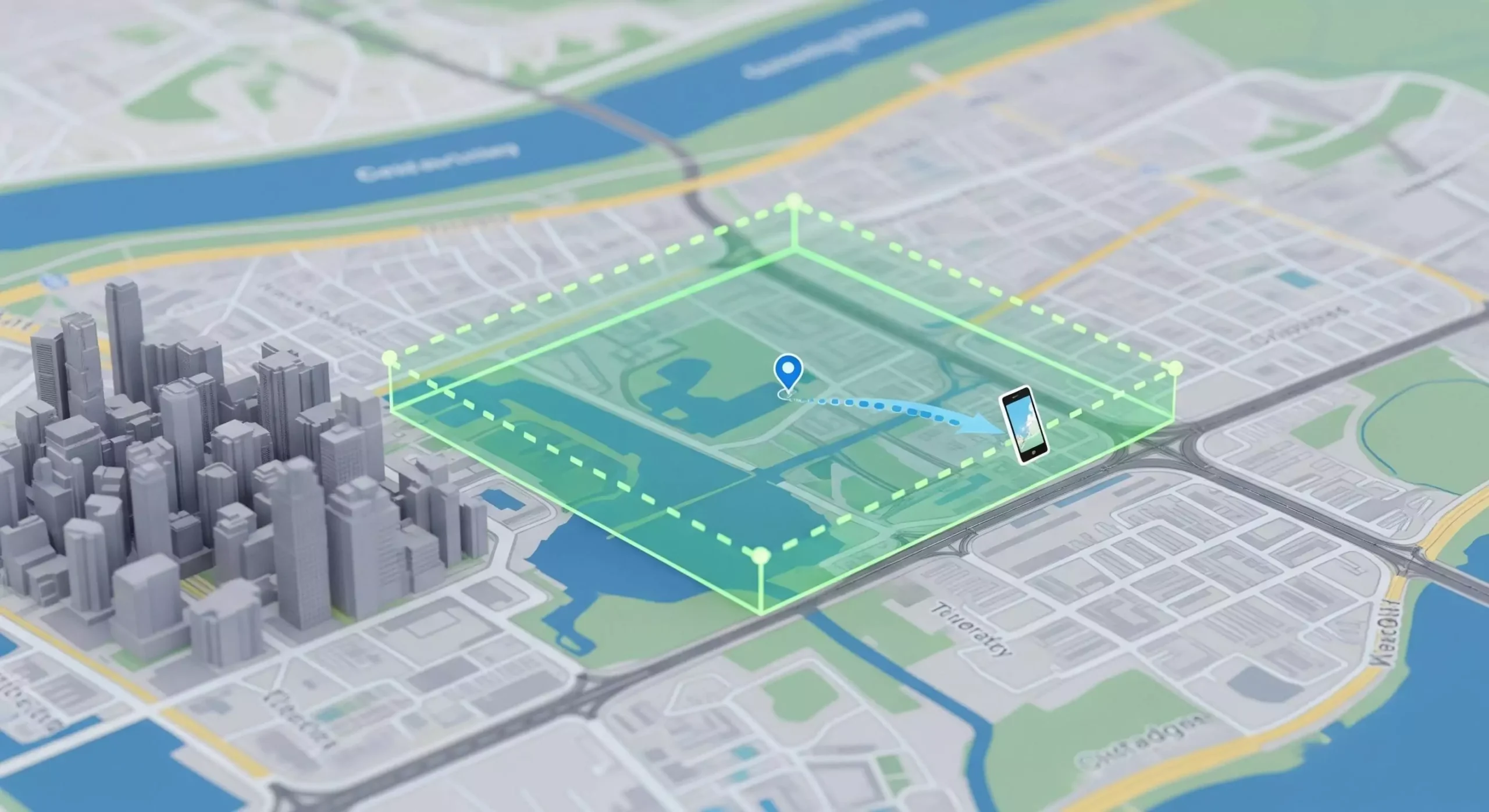
The responsible pattern is data minimisation. Check the state, store the verdict, discard the coordinates. Good implementations ask for approximate location when approximate is enough, and request precise permission only at the moment it’s needed.
Bad implementations hoard everything and sell it on. As a user, the quickest tell is the permission prompt. If a flashlight app wants your precise location, walk away.
What this means if you build apps?
A few hard-won rules:
- Never rely on a single signal. Blend GPS, Wi-Fi, cell and IP, and weigh each by its reported accuracy.
- Re-verify during sessions, not only at login. People travel.
- Fail gracefully. A rejected reading should explain itself, not just show an error.
- Collect less than you can. Every stored coordinate is a liability.
The last point surprises people. Teams tend to log everything “just in case.” Then a breach happens and that archive becomes the headline.
FAQs
How accurate is smartphone GPS in a city?
Under open sky it’s typically within a few metres. Between tall buildings or indoors it can drift by tens of metres, which is why apps combine it with Wi-Fi and cell data rather than trusting satellites alone.
Can an app tell if I’m using a VPN?
Often, yes. Apps compare your IP against known VPN exit ranges and cross-check it against GPS and Wi-Fi data. A mismatch between signals usually triggers extra verification or a block.
Does Wi-Fi location work if I never connect to a network?
It does. Your phone passively detects nearby access points and compares their signal strengths against a location database, so no login or connection is needed for the estimate.
Why does my app sometimes ask me to turn on precise location?
Approximate readings carry wide accuracy radii. When a decision depends on which side of a border you stand on, the app needs a tighter fix before it can act.
Is location data stored permanently?
It depends on the company. Well-built services keep only the verdict, such as the state, and discard raw coordinates. Check the privacy policy and permission prompts to see what a given app retains.
The takeaway
Geolocation looks effortless because the hard parts are hidden. Underneath, it’s a negotiation between satellites, routers, towers and sensors, with detection layers watching for liars.
The stakes keep rising as more services tie features to state lines, and the engineering will only get stricter. Know what your own phone is telling the world, and you’ll make better choices about which apps deserve the answer.
